Getting Started
Get PicoClaw running in 2 minutes.
Please get and verify your API key first. For supported models, see Model Configuration. Web search is optional. You can get a free Tavily API (1,000 free queries/month) or Brave Search API (2,000 free queries/month).
Configure with WebUI (picoclaw-launcher)
For most users, we recommend configuring through Launcher WebUI instead of editing config files first.
- Start the WebUI launcher directly (no pre-initialization required) via command line:
picoclaw-launcher
Or double-click picoclaw-launcher (picoclaw-launcher.exe on Windows).
picoclaw-launcher-tuiis no longer maintained and is being phased out. Preferpicoclaw-launcher.
- Open
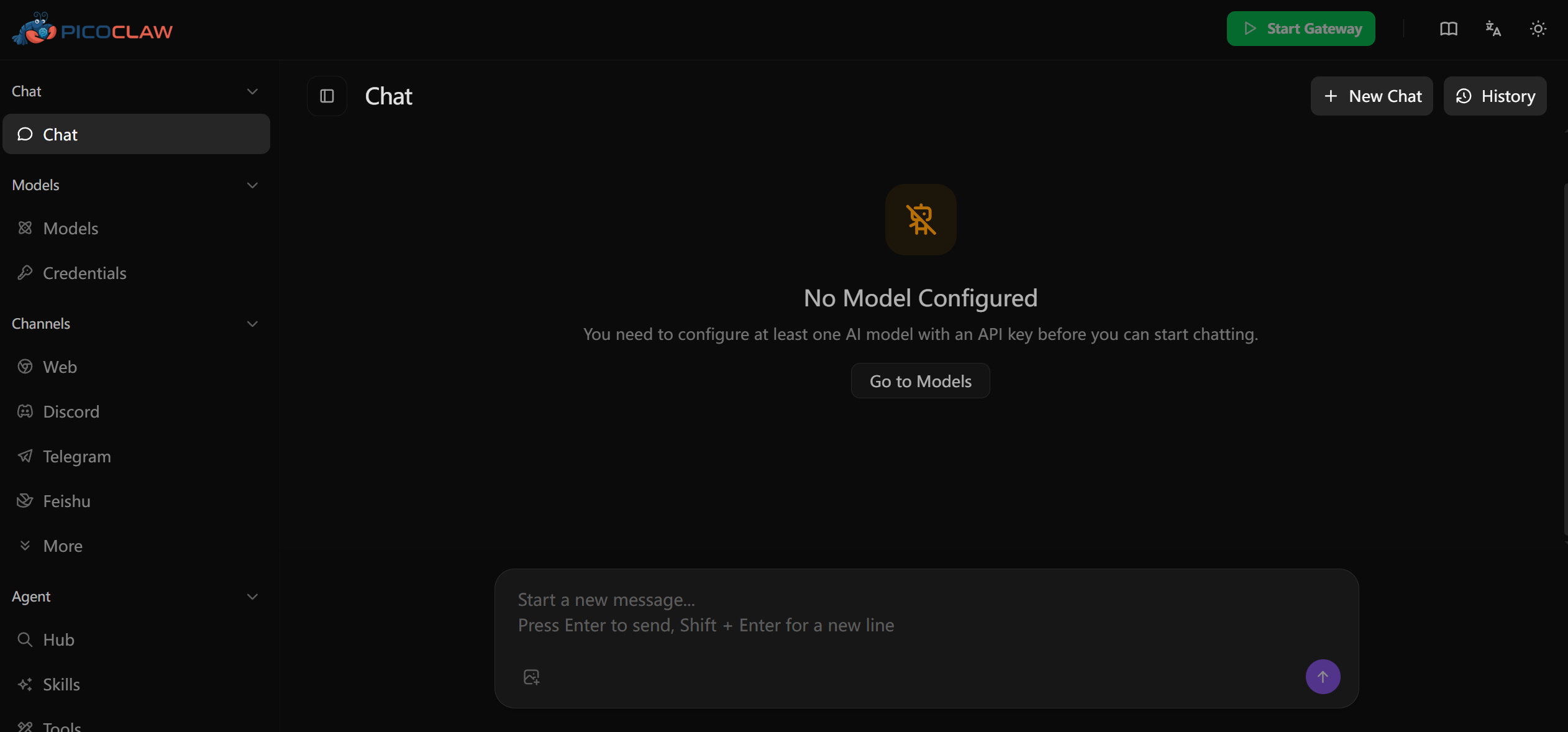
http://localhost:18800and complete the following in the UI:
- Add at least one LLM model and set it as default
- Configure web search (currently via config files; see Web Search Setup)
- Start Gateway in Launcher
For more model fields and full config file examples, see Model Configuration.
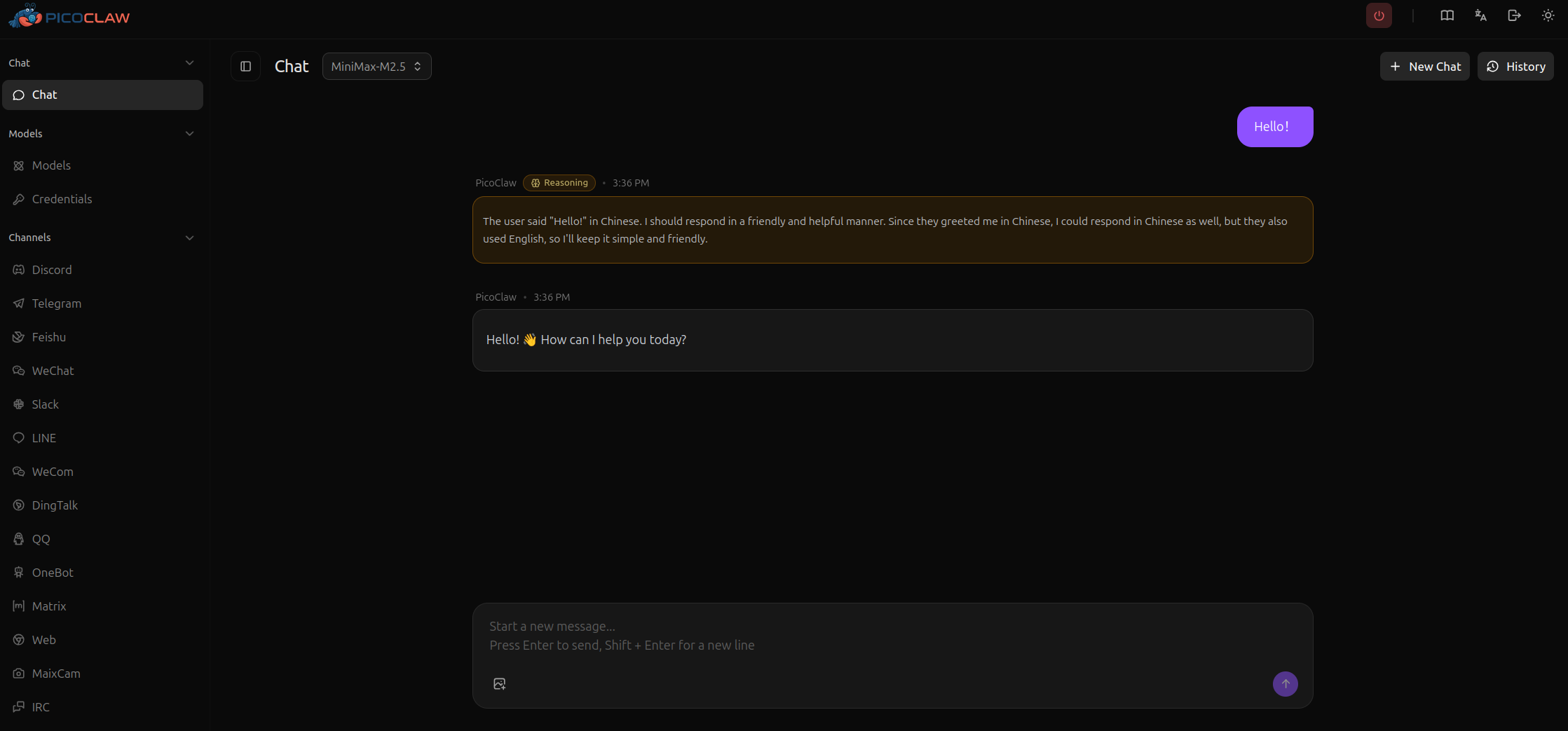
After configuration is complete, you can start using PicoClaw.
Enable Web Search
Without web search enabled, many real-world scenarios (checking the latest information, finding links, fact verification) are significantly limited. We recommend enabling at least one search engine during initial setup.
In the current version, web search must be configured via config files (config.json + .security.yml), and WebUI does not yet provide a dedicated entry. See Web Search Setup for details.
CLI Command Reference
For CLI commands and picoclaw-launcher parameters, see CLI Commands and Parameters.
Scheduled Tasks
PicoClaw supports reminders and recurring tasks via the cron tool:
- One-time: "Remind me in 10 minutes"
- Recurring: "Remind me every 2 hours"
- Cron expressions: "Remind me at 9am daily"
Jobs are stored in ~/.picoclaw/workspace/cron/ and processed automatically.
Troubleshooting
Web Search Shows "API key configuration issue"
If you have not configured a search API key yet, this is expected.
To enable web search:
- Option 1 (Recommended): Get a free API key at https://brave.com/search/api (2000 free queries/month).
- Option 2 (No Credit Card): Use DuckDuckGo fallback (no key required).
- Option 3 (Mainland China content first): Use Baidu Search (1000 free queries/day).
Content filtering errors
Some providers (like Zhipu) have content filtering. Try rephrasing your query or use a different model.
Telegram bot "Conflict: terminated by other getUpdates"
Only one picoclaw gateway instance should run at a time. Stop any other instances.
API Key Comparison
| Service | Free Tier | Use Case |
|---|---|---|
| OpenRouter | 200K tokens/month | Multiple models (Claude, GPT-4, etc.) |
| Volcengine CodingPlan | ¥9.9/first month | Best for Chinese users, multiple SOTA models (Doubao, DeepSeek, etc.) |
| Zhipu | 200K tokens/month | For Chinese users |
| Brave Search | 2000 queries/month | Web search functionality |
| Tavily | 1000 queries/month | AI Agent optimized search |
| Baidu Search | 1000 queries/day | Better coverage for Mainland China content |
| Groq | Free tier | Fast inference (Llama, Mixtral) |
| Cerebras | Free tier | Fast inference (Llama, Qwen) |