Install on Android
PicoClaw provides an Android installation package, allowing you to install PicoClaw on Android devices. This guide will walk you through installing PicoClaw on Android.
Installation
Download the Installation Package
- Visit PicoClaw Official Website to download the Android installation package
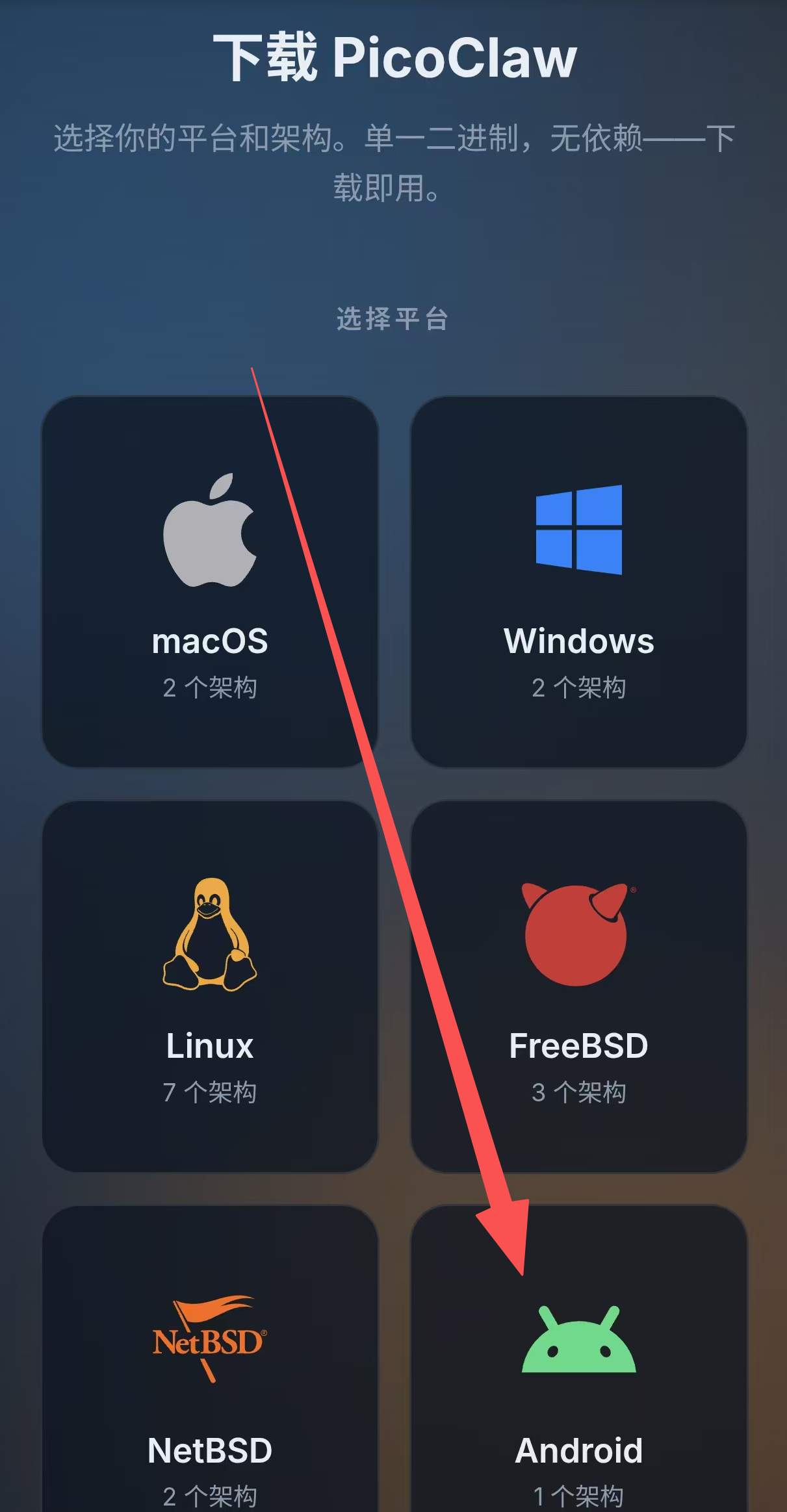
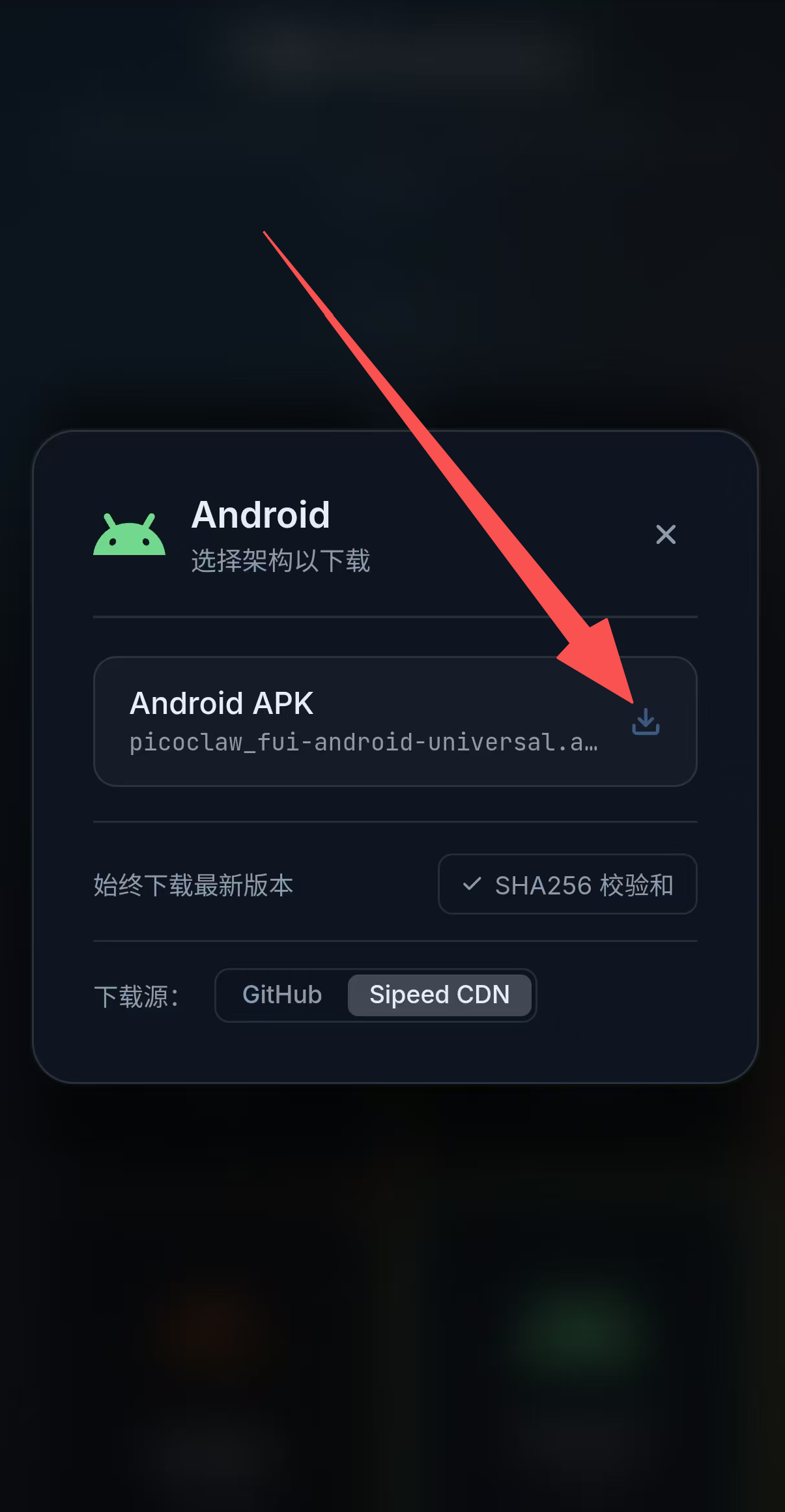
- Download the APK package and complete installation
Launch PicoClaw
After installation, tap the PicoClaw icon to open the app, then tap the "Start Service" button to start the service.
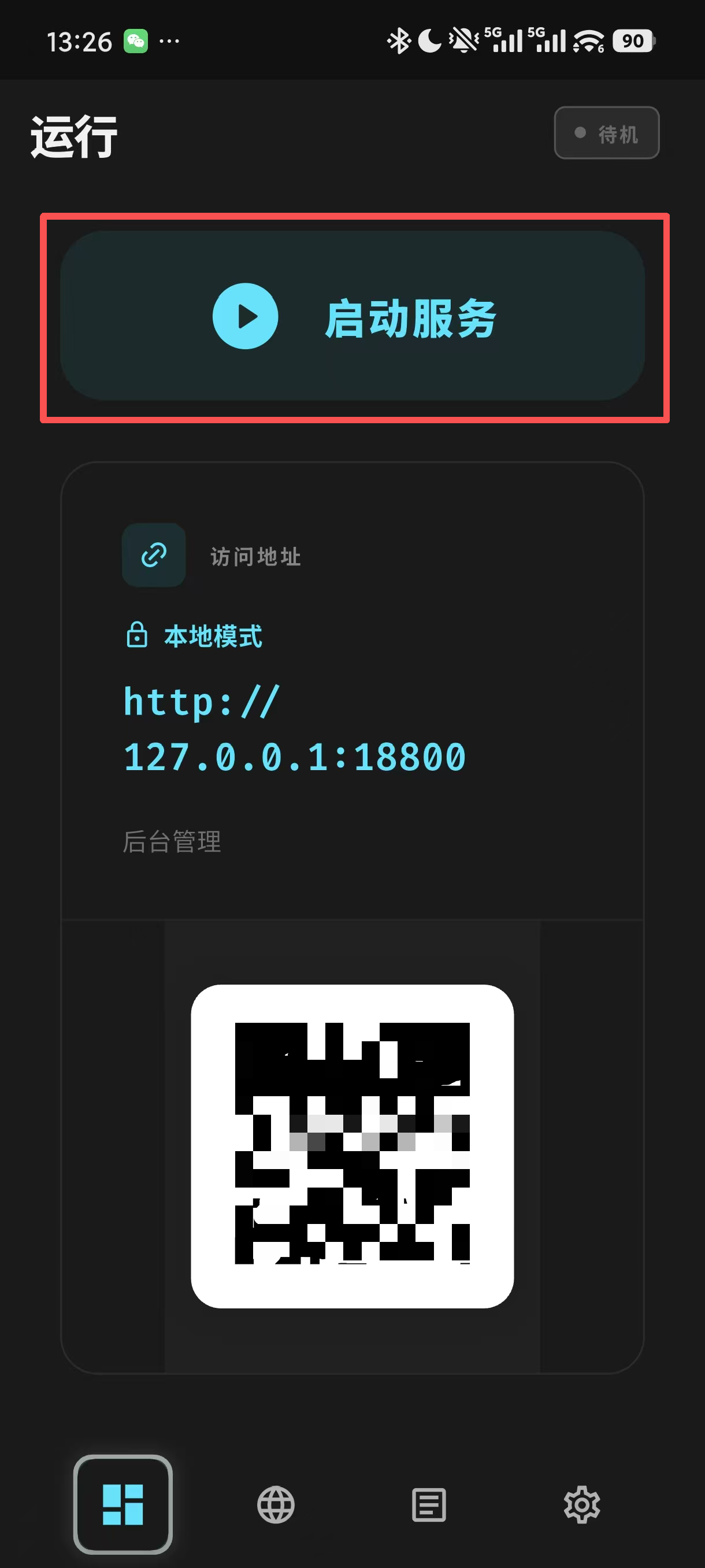
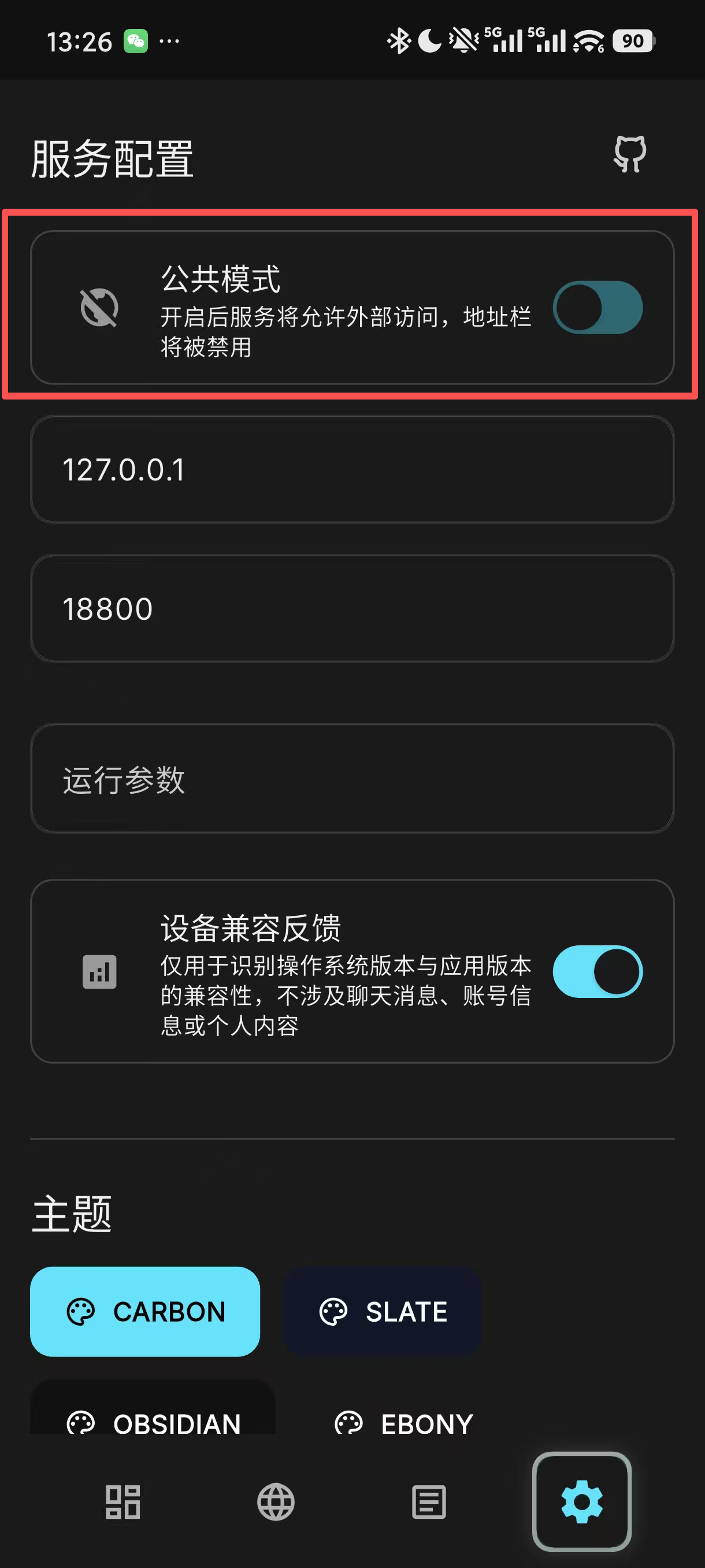
Once the service is running, you can access PicoClaw's Web UI from the configuration page. Alternatively, open your browser and visit the following address to access PicoClaw's Web UI:
http://127.0.0.1:18800
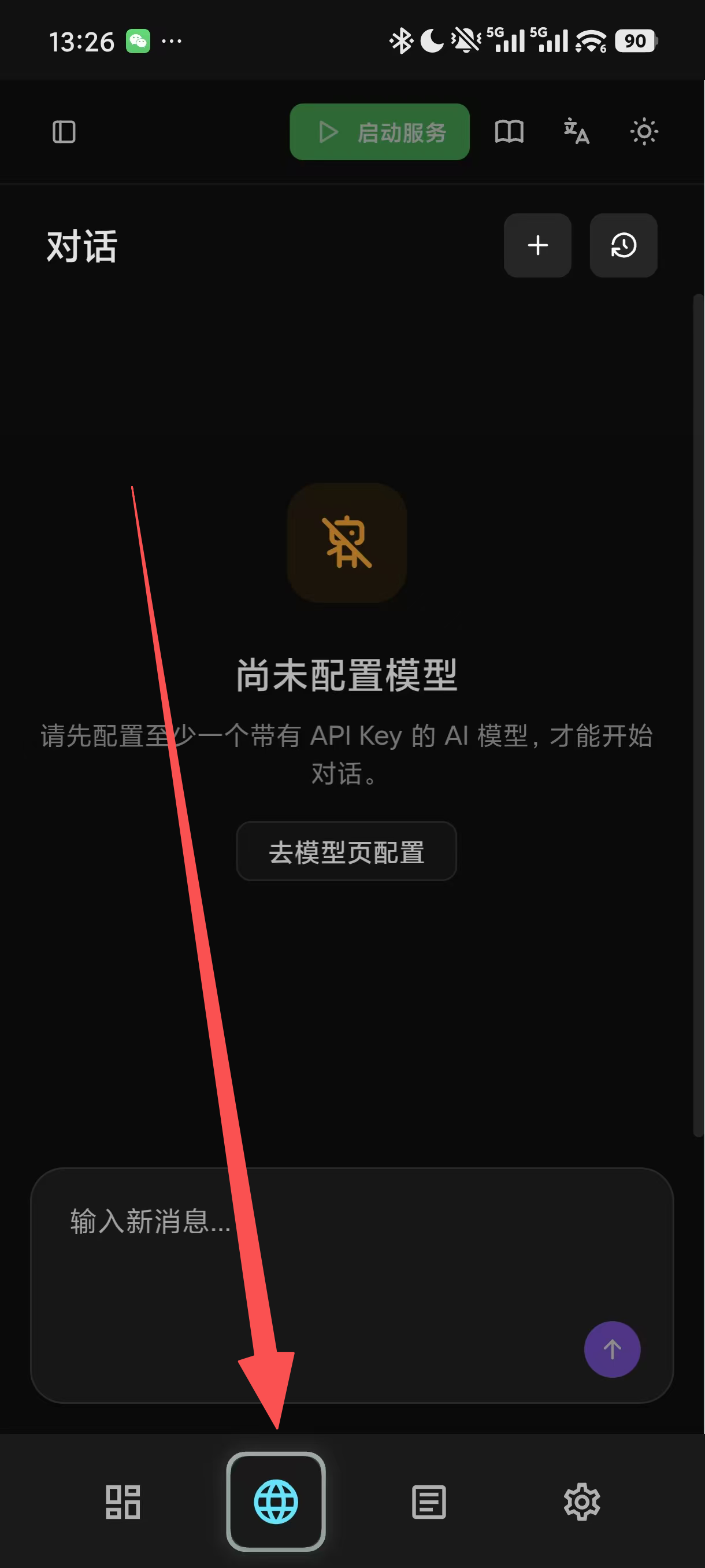
- If you need to access PicoClaw's Web UI externally, enable Public Mode in the settings.
Run on Android Termux (Optional)
If you prefer Termux, you can still run PicoClaw this way:
wget https://github.com/sipeed/picoclaw/releases/latest/download/picoclaw_Linux_arm64.tar.gz
tar xzf picoclaw_Linux_arm64.tar.gz
pkg install proot
termux-chroot ./picoclaw onboard

Known Issues
- On some Android devices, an outdated system WebView may cause the configuration page to render incorrectly or behave abnormally.
- Some devices using HiSilicon chipsets may have compatibility issues.