Moonshot (Kimi) Configuration Guide
Overview
Kimi (Moonshot) is one of the most watched large model startups in China, starting with ultra-long context processing capabilities. The Kimi-K2 series has achieved significant breakthroughs in code generation and complex reasoning, ranking among China's top models.
Kimi Open Platform provides standard OpenAI-compatible interfaces with simple integration, making it an excellent choice for developers who want to experience China's top inference capabilities.
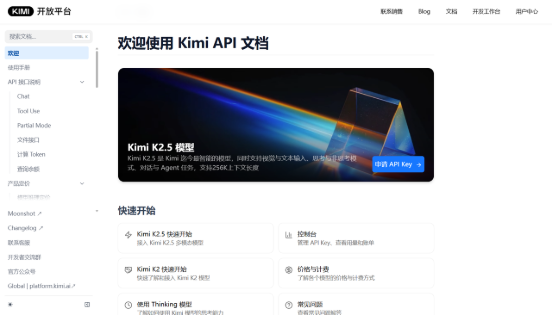
Official Documentation: https://platform.kimi.com/docs/api/chat
Note: Kimi Code membership explicitly restricts use only in Claude Code and Roo Code
Using membership API Key in PicoClaw carries account ban risk
This article only introduces pay-as-you-go API from platform.kimi.com
Getting API Key
Step 1: Visit Platform
Go to Kimi Open Platform, register and log in.
Step 2: Create API Key
-
Enter Console → API Keys page
-
Create API Key, copy and save securely
⚠️ Note: API Key is shown only once, save it immediately.
Models & Pricing
| Model | Input (Cache Hit) | Input (Cache Miss) | Output | Context Length |
|---|---|---|---|---|
| kimi-k2.5 | ¥0.70/M tokens | ¥4.00/M tokens | ¥21.00/M tokens | 262,144 tokens |
Configuring PicoClaw
Option 1: Using WebUI (Recommended)
Open PicoClaw WebUI, go to the Models page in the left navigation, click "Add Model" in the top right corner:
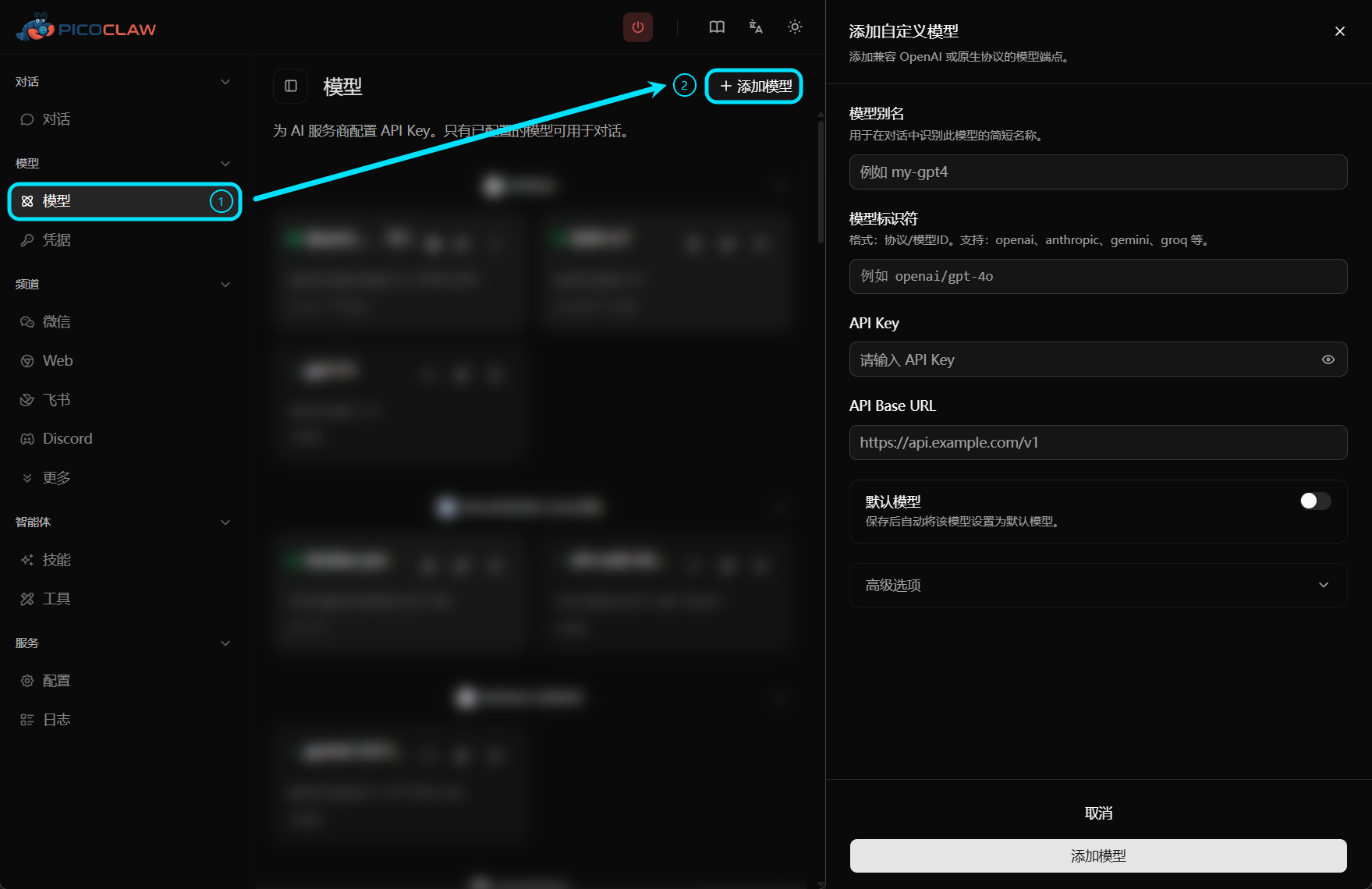
| Field | Value |
|---|---|
| Model Alias | Custom name, e.g., kimi |
| Model Identifier | moonshot/kimi-k2.5 |
| API Key | Your Kimi API Key |
| API Base URL | Leave empty (automatically uses default endpoint) |
Option 2: Edit Configuration File
config.json:
{
  "version": 2,
  "model_list": [
    {
      "model_name": "kimi",
      "model": "moonshot/kimi-k2.5"
    }
  ],
  "agents": {
    "defaults": {
      "model_name": "kimi"
    }
  }
}
~/.picoclaw/.security.yml:
model_list:
  kimi:0:
    api_keys:
      - "your-kimi-api-key"
moonshot protocol prefix has built-in default endpoint https://api.moonshot.cn/v1, no need to fill api_base
Notes
- Do not use Kimi Code membership API Key, only use pay-as-you-go API Key from platform.kimi.com
- For production, store API Key in .security.yml, avoid plaintext in config.json